
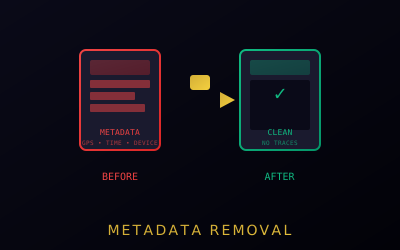
Metadata Removal
Strip identifying metadata from files before sharing them online or by message.
Strip metadata before uploading or sending — once a platform ingests a file with metadata intact, cleaning your local copy afterward does not undo that exposure.
Types of Metadata
- EXIF data in images (camera model, timestamps, software used)
- GPS coordinates embedded in photos
- Device identifiers (serial numbers, lens info)
- Document metadata — author name, company, edit/revision history in Word, PDF, and LibreOffice files; a common deanonymization vector for anyone sending documents, not just photos
Tools
- ExifTool for images
- MAT2 (Metadata Anonymisation Toolkit) for documents and media
- Built into Tails OS (right-click → Remove metadata)
Using the Tools
ExifTool (images)
- Install ExifTool from your package manager or exiftool.org
- Strip all metadata from one file:
exiftool -all= filename.jpg - Batch an entire folder:
exiftool -all= -r /path/to/folder/(the-rflag recurses into subfolders) - ExifTool writes a cleaned copy by default; use
-overwrite_originalonly when you intend to replace the source file
MAT2 (documents and media)
- Install MAT2 from your package manager (often packaged as
mat2) - Clean a single file:
mat2 filename.pdf— works on PDFs, Office files, images, and other formats, not just photos - MAT2 outputs a cleaned copy with
.cleanedin the filename; send that file, not the original - Batch a folder: pass the directory path —
mat2 /path/to/folder/processes all supported files inside it recursively