
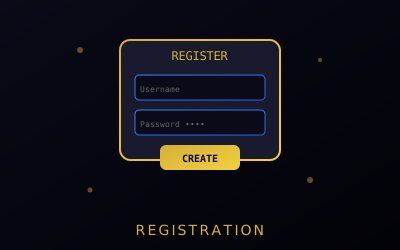
Creating Your Account
Follow these steps to register on Dark Matter Market safely and securely.
Registration Steps
- Access Dark Matter through a verified mirror
- Click on "Register" or "Sign Up"
- Choose a unique username (never use personal info)
- Create a strong password (16+ characters)
- Set up your security PIN
- Complete the CAPTCHA / anti-bot check to confirm you're not an automated script
- Note down your recovery phrase securely
- Enable 2FA authentication — see the 2FA guide
Username: letters and numbers only — no real name, email, or handle from any other site. Password: 16+ characters with a mix of uppercase, lowercase, numbers, and symbols; unique to Dark Matter only; generate it in a password manager rather than reusing or inventing one yourself.
Security Tips
- Never reuse usernames from other platforms
- Use a password manager for strong passwords
- Store recovery phrases offline only
- Upload your PGP key immediately after registration
If You Lose Access
Dark Matter accounts carry no email, phone number, or other personal details — there is nothing support can use to verify your identity and reset a password for you. The recovery phrase shown once at registration is the only way back in if you forget your password.
- Forgot password, recovery phrase saved: use the recovery phrase on the login page to regain access, then set a new password immediately.
- Lost 2FA device: use the backup codes from when you enabled 2FA — see the 2FA guide for how those work.
- No recovery phrase and no password: the account cannot be recovered.
If you lose both your password and your recovery phrase, the account — including any wallet balance still on it — is permanently unrecoverable. This is exactly why step 7 of registration matters: write the phrase down before you close the page.