
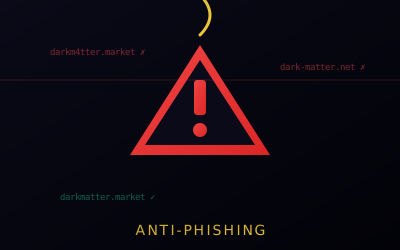
Detecting Phishing
Protect yourself from phishing attacks targeting Dark Matter users.
Warning Signs
- Slightly different URLs
- No PGP verification
- Unusual login prompts
- Unsolicited messages with links
Protection
- Only use mirrors that match the current verified list on Mirrors — paste any link into the Link Checker if unsure
- Always verify PGP signatures — see the PGP Encryption Guide for how
- Bookmark the address from the Mirrors page, not from a search engine or message
- Never click links in messages
How Fake Links Actually Reach You
Knowing the warning signs on a page is not enough — you also need to know how a bad address gets in front of you in the first place:
- Search-engine ads. Attackers buy sponsored results for a market's name. The ad sits above legitimate results and points to a lookalike .onion address that differs by a few characters
- Forum and community posts. Reddit-style threads, Telegram channels, and darknet forums often carry posts claiming to share an "updated" or "working" link after an outage — these are a common distribution channel for clones
- Clipboard-hijacking malware. Malware on your system can silently swap a copied onion address for a lookalike right before you paste it. This is why pasting into the Link Checker before use matters even when you copied the link from what felt like a safe place
If You Already Entered Credentials on a Fake Site
Act immediately — every minute the attacker has your login is a minute they can drain funds or lock you out of the real account.
- Change your password and 2FA from the real site, reached only through an address verified on Mirrors — not from any link you followed earlier
- Review your account for unauthorized orders, messages sent in your name, or settings changes you did not make
- Treat visible funds as at risk. If your balance still shows, withdraw it promptly — see the Dark Matter Wallet guide for how
- Report the fake site through Contact so it can be flagged and others warned